JSON Beautification Tutorial
JSON Beautification Tutorial for Clean and Readable Data

Processing vast amounts of raw JSON can quickly become overwhelming for even the most experienced American data analysts and API engineers. A single misplaced character can disrupt entire pipelines and delay projects. Nearly half of all development errors stem from poorly formatted or invalid JSON structures. Mastering efficient methods for beautifying and validating large JSON datasets unlocks smoother debugging and clearer data transformations, making teamwork and problem solving far less stressful.
Table of Contents
- Step 1: Set Up Your JSON Data
- Step 2: Paste or Upload Your JSON File
- Step 3: Select Beautification Options
- Step 4: Apply and Review Formatting
- Step 5: Export or Share the Beautified JSON
Quick Summary
| Key Insight | Explanation |
|---|---|
| 1. Structure Your JSON Properly | Creating a clear, logical JSON structure is crucial for effective data processing. |
| 2. Validate JSON Syntax Regularly | Always use validation tools to catch syntax errors early, saving time in later stages. |
| 3. Choose Suitable Import Methods | Select between text paste or file upload based on the size and complexity of your data. |
| 4. Customize Beautification Settings | Adjust indentation, spacing, and coloring to enhance readability according to your needs. |
| 5. Ensure Data Integrity While Sharing | Always verify that formatted JSON maintains clarity and structure during export or sharing. |
Step 1: Set Up Your JSON Data
When working with JSON, proper data preparation is crucial for smooth processing and transformation. Understanding how to structure JSON objects involves recognizing the fundamental syntax and organizational principles that make your data readable and efficient.
To begin setting up your JSON data, start by defining a clear and logical structure. JSON supports multiple data types including strings, numbers, booleans, arrays, and nested objects. Your initial goal should be creating a clean, well-organized representation of your data. For example, a simple JSON object might represent a user profile with keys like name, age, and email address. When constructing these objects, use consistent naming conventions typically using camelCase or snake_case, and ensure each piece of data is appropriately typed.
Here’s a summary of JSON data types and their typical use cases:
| Data Type | Description | Common Use Case |
|---|---|---|
| String | Text data within quotes | User names, messages |
| Number | Numeric values (integer/decimal) | Age, prices, measurements |
| Boolean | True or false values | Status flags, toggles |
| Array | Ordered list of values | Lists of items, categories |
| Object | Key/value pairs, can be nested | User profiles, settings |
As you develop your JSON structure, consider the potential downstream uses of your data. Whether you are preparing configuration files, storing application settings, or transmitting information between systems, a thoughtful approach to JSON organization will save you significant time in subsequent processing and manipulation stages.
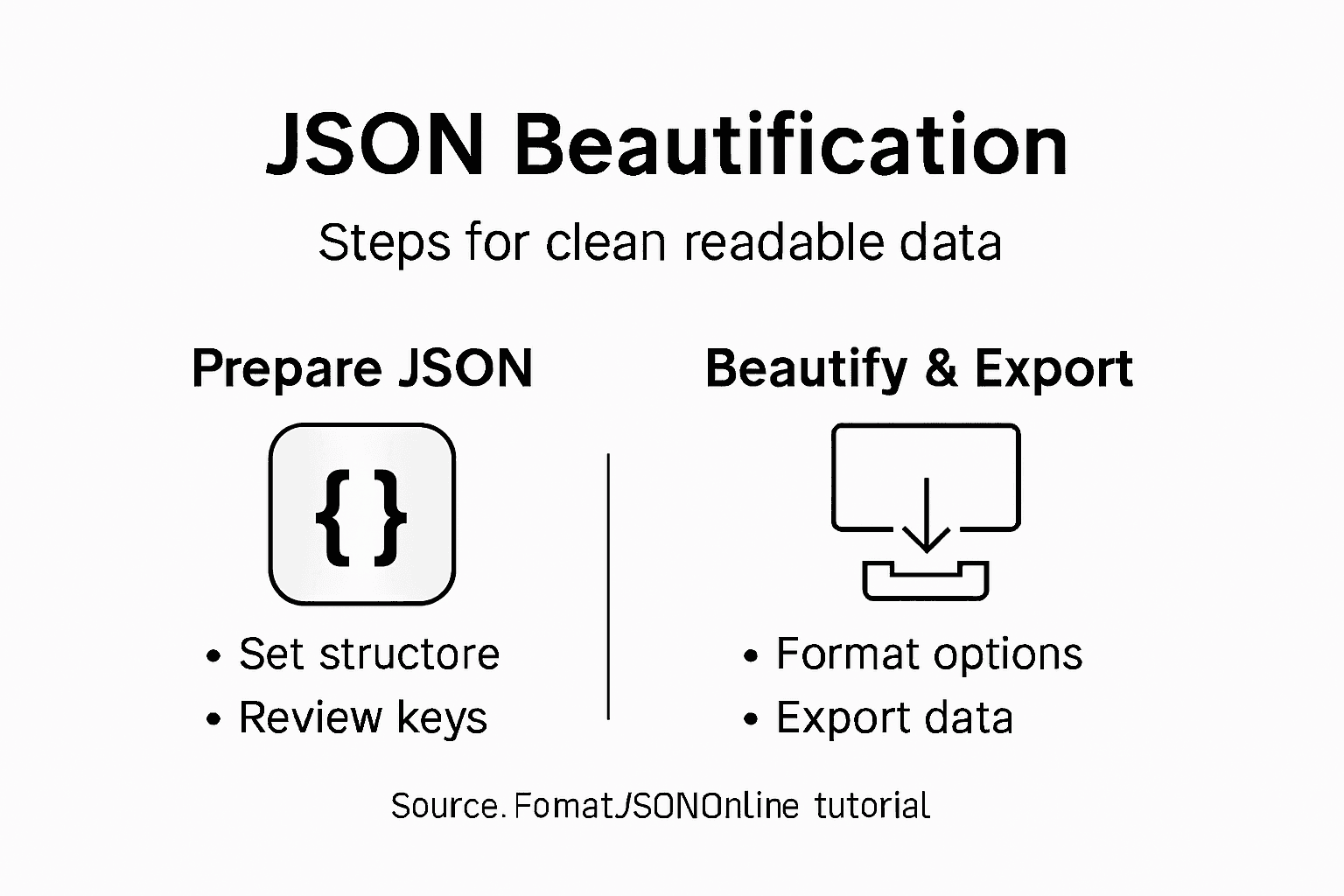
Pro tip: Always validate your JSON structure using online tools or built-in language parsers to catch potential syntax errors before they cause processing issues.
Step 2: Paste or Upload Your JSON File
Now that you have structured your JSON data, the next crucial step is uploading or pasting your file into the beautification tool. Uploading JSON files effectively requires understanding the different methods available for transferring your data securely and efficiently.
Most online JSON formatting platforms offer two primary methods for importing your data: direct text paste or file upload. For the text paste method, simply copy your entire JSON content and paste it into the designated input field. This works best for smaller JSON files or snippets. If you are working with larger datasets or complex files, utilize the file upload functionality. Most tools support drag and drop or direct file selection from your computer, accepting common file extensions like .json, .txt, or even compressed formats.
The table below compares JSON data import methods for different needs:
| Method | Best For | Limitations |
|---|---|---|
| Text Paste | Small snippets | Size limits, risk of typos |
| File Upload | Large or complex files | Depends on platform support |
| Drag & Drop | Fast desktop transfer | May not support all browsers |
| Compressed File | Very large datasets | Requires decompression step |
When uploading your file, pay attention to file size limitations and ensure your JSON structure remains intact during the transfer process. Some platforms provide immediate syntax validation, helping you catch and correct any potential formatting issues before proceeding with beautification.
Pro tip: Always keep a backup of your original JSON file before performing any online transformations or beautification processes.
Step 3: Select Beautification Options
With your JSON file uploaded, you are now ready to transform its appearance and readability. JSON beautification techniques offer multiple customization options to make your data more comprehensible and visually appealing.

Most JSON formatting tools provide several key beautification settings that allow you to personalize your output. These typically include indentation depth control, where you can choose the number of spaces or tabs used for nested elements. You might also find options for line spacing, quote styling for strings, and sorting object keys alphabetically. Some advanced platforms even offer color coding to highlight different data types, making complex JSON structures easier to navigate and understand.
When selecting your beautification preferences, consider your specific use case. Developers working on documentation might prefer maximum readability with wide spacing, while those transmitting data between systems might opt for more compact formatting. Pay attention to options like removing unnecessary whitespace, aligning key value pairs, and maintaining a consistent structural representation that meets your project requirements.
Pro tip: Experiment with different beautification settings and save your preferred configuration for quick future use.
Step 4: Apply and Review Formatting
With your beautification options selected, you are now ready to transform your raw JSON data into a clean and readable format. Applying formatting requires careful attention to detail and a systematic approach to reviewing the results.
Review the formatted output carefully to ensure that all structural elements remain intact and that the readability improvements meet your specific requirements. Check that nested objects are correctly indented, key value pairs are clearly aligned, and the overall visual representation accurately reflects your original data. Pay special attention to complex nested structures, arrays, and objects to verify that the formatting has not accidentally modified any critical data relationships or syntax.
If the initial formatting does not meet your expectations, do not hesitate to return to the previous step and adjust your beautification settings. Most JSON formatting tools allow you to fine tune indentation spaces, line breaks, and other visual elements until you achieve the perfect balance between readability and data integrity.
Pro tip: Perform a side by side comparison of your original and formatted JSON to confirm that no data has been inadvertently altered during the beautification process.
Step 5: Export or Share the Beautified JSON
After meticulously formatting your JSON, you are now ready to export or share your beautifully structured data. JSON sharing options provide multiple convenient methods for distributing your processed information.
Most online JSON formatting platforms offer several export mechanisms to suit different needs. You can typically copy the formatted JSON directly to your clipboard with a single click, download it as a text file for local storage, or generate a shareable URL that allows others to view the formatted data without needing to perform the beautification themselves. When sharing JSON files, consider the sensitivity of your data and choose the most appropriate sharing method whether you are collaborating with team members or preparing documentation.
Pay attention to the specific requirements of your project or team when selecting an export method. Some platforms offer additional features like generating QR codes for the JSON, creating embed codes for websites, or providing direct integration with version control systems and collaboration tools. Always ensure that the sharing method preserves the integrity and readability of your carefully formatted JSON data.
Pro tip: Always verify that your shared JSON maintains its formatting and does not lose structural clarity during the export process.
Enhance Your JSON Workflow with Smart Tools for Cleaner Data
Struggling to keep your JSON data clean and readable is a common challenge for developers and data professionals. This tutorial perfectly highlights the need for structured JSON setup, error-free uploading, and personalized beautification—the key steps for transforming raw JSON into a clear, manageable format. You want to avoid syntax errors, improve readability, and maintain data integrity without wasting time on manual formatting.
Discover how FormatJSONOnline empowers you to achieve all this effortlessly. Benefit from AI-powered error fixing, real-time validation, and customizable beautification to bring your JSON to life with precision and ease. Our platform processes everything securely on your device, letting you format, validate, and share JSON data while keeping your privacy intact.
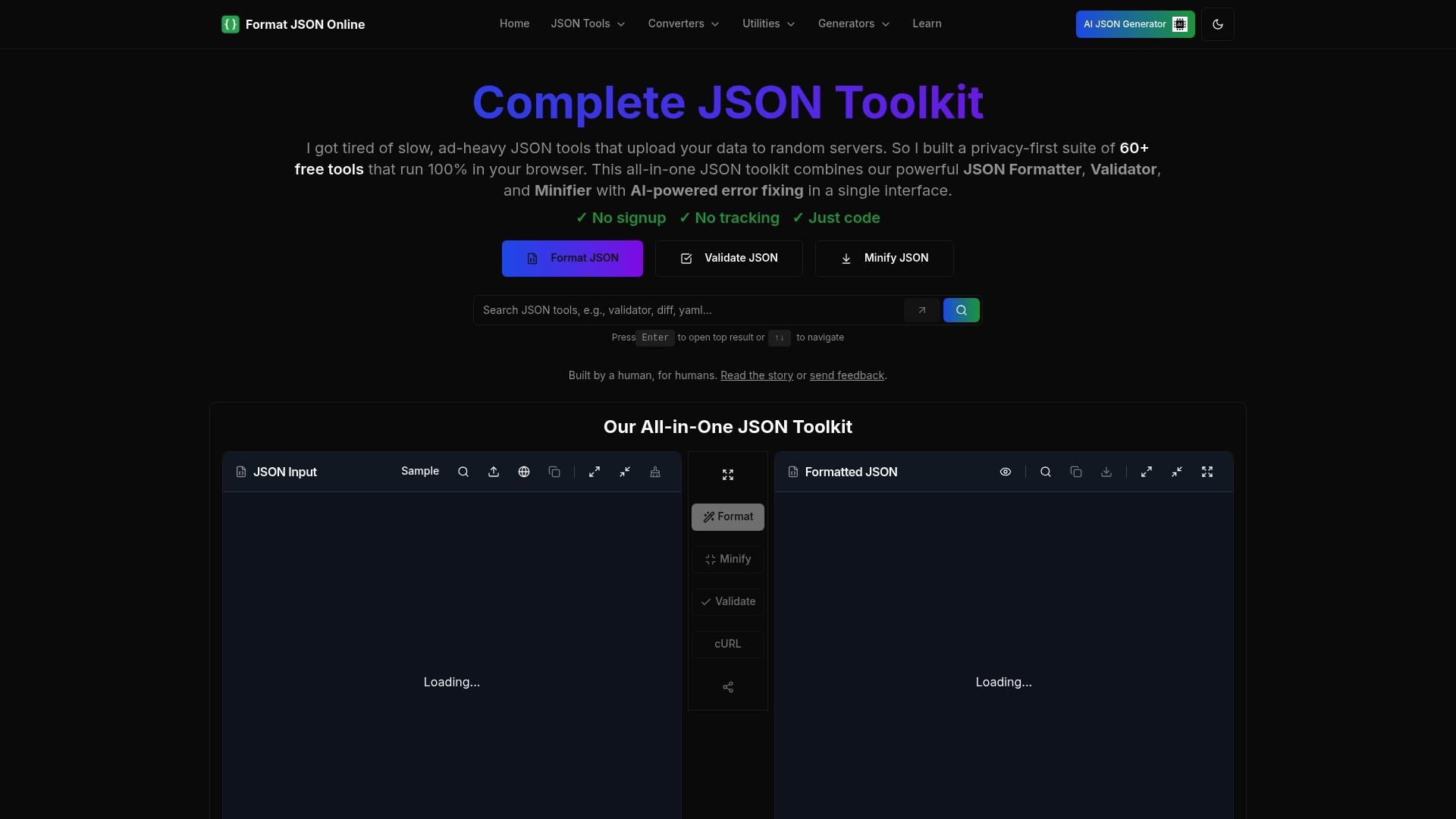
Ready to simplify your JSON beautification process? Visit FormatJSONOnline now to explore our complete set of over 60 free JSON tools, including advanced formatting and seamless exporting options. Start formatting smarter today and experience a new level of data clarity and productivity.
Frequently Asked Questions
What is JSON beautification and why is it important?
JSON beautification refers to the process of formatting JSON data to improve its readability and structure. This is important because well-organized JSON data reduces the time spent on data manipulation and helps avoid errors during processing.
How do I set up my JSON data for beautification?
Start by structuring your JSON data with clear key/value pairs and consistent naming conventions. Organize your data into logical formats, such as objects and arrays, to ensure ease of understanding when you apply beautification techniques.
What are the different methods to upload my JSON file for beautification?
You can upload your JSON file by either pasting your JSON text directly into a designated field or using the file upload option to select a file from your computer. For larger files, the file upload feature is generally the best choice, as it avoids size limitations found in text pasting.
How can I select the best beautification options for my JSON data?
Consider your specific needs when choosing beautification options such as indentation level, line spacing, and key sorting. Select settings that enhance readability according to whether you will be viewing the data, sharing it, or processing it in an application.
What should I do if the formatted JSON doesn’t meet my expectations?
If the output doesn’t match your expectations, you can return to the beautification settings and adjust them as needed. Fine-tune aspects like indentation and line breaks until the formatting suits your requirements and maintains data integrity.
How do I export or share my beautified JSON data?
To export your beautified JSON, you can copy it to your clipboard, download it as a text file, or generate a shareable URL. Choose a method that maintains the structure and formatting of your JSON data before sharing it with colleagues or using it in a project.
Comments
Post a Comment